

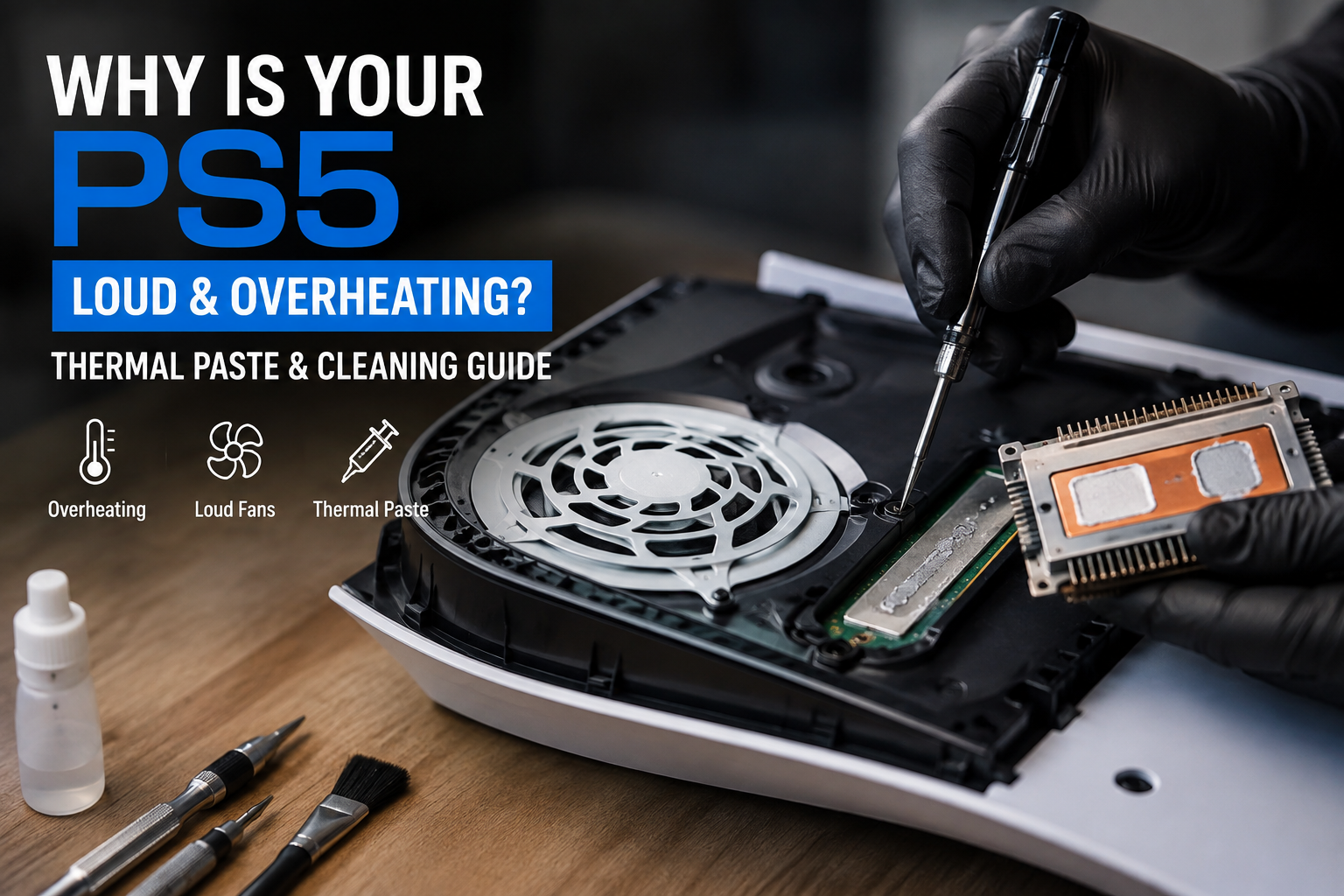
You’re deep into a game, everything’s going fine, and then the fan starts sounding like a small jet engine. A minute later, the screen goes black, and the console just shuts off. No warning, no error message you can actually read. It just quits on you.
If this keeps happening, especially during longer gaming sessions, your PS5 is almost certainly overheating. Here’s exactly why that happens, and what actually fixes it.
Why Your PS5 Is Overheating (The Real Reasons)
Dust buildup is the number one cause, by far. Your PS5 pulls air through vents to cool itself, and over months of regular use, dust and pet hair get pulled in right along with that air. It settles into the heat sink, the metal fins designed to pull heat away from the processor — and once enough builds up, air can’t move through properly anymore. The console is essentially trying to cool itself through a clogged filter.
The thermal paste has dried out. Inside every PS5, there’s a thin layer of thermal paste (or in some cases, liquid metal) between the processor and the heat sink, whose whole job is transferring heat efficiently between the two. Over a couple of years, this material naturally dries out and becomes less effective, even if the console has been kept clean. When that happens, heat has nowhere efficient to go, no matter how well the fan is working.
Poor placement makes it worse. A PS5 pushed against a wall, tucked into a closed cabinet, or sitting on a soft surface like carpet has restricted airflow, which puts extra strain on a system that might otherwise be running just fine.
Why Is My PS5 Fan So Loud?
A loud fan is actually your PS5 telling you something useful: it’s working harder than it should to keep temperatures under control. Under normal use, the fan should ramp up gradually during intense games and settle back down. If it’s consistently loud, revving up even during lighter tasks, or sounds different than it used to (whirring, grinding, or straining), that’s usually a sign that dust buildup or degraded thermal paste is forcing it to overcompensate.
PlayStation Overheating and Turning Off Mid-Game: What’s Actually Happening
This is the PS5’s built-in safety feature working exactly as designed. When internal temperatures get too high, the console shuts itself down automatically to protect the processor from real damage. It’s not a random glitch or a broken console; it’s a warning sign. The pattern to watch for: shutdowns that happen more often during longer sessions or graphically demanding games, and less often (or not at all) during quick, light use. That pattern points squarely at a heat problem, not something else going wrong with the system.
“My PS5 Feels Hot, But It’s Not Overheating” — Is That Normal?
Yes, to a point. PS5 consoles are simply designed to run warmer than older consoles, especially the vents and back panel during demanding games. Warm is normal. The difference to watch for is your console actually shutting off, the fan constantly running at a high, straining pitch, or performance visibly dropping (stuttering, slowdowns) during gameplay. Warm-but-stable is fine. Hot-and-shutting-off is the real problem.
Diagnosing the Real Cause: A Simple Framework
Here’s a simple way to work through it:
- Does it only shut off during heavy gameplay, not light use? → Points strongly toward heat buildup from dust or degraded thermal paste
- Has the fan gotten noticeably louder over the past few months? → Usually dust restricting airflow
- Is the console tucked into a cabinet or against a wall? → Placement is making an existing heat issue worse, even if it’s not the root cause
- Has it been 2+ years since the console was opened and cleaned? → Thermal paste has likely dried out and needs replacing, not just a surface clean
Is It Better to Have Your PS5 Vertical or Horizontal?
Both orientations work fine and are officially supported, but airflow matters more than the position itself. What actually matters is making sure there’s real open space around the vents at least a few inches on all sides, nothing blocking the intake, and definitely not shoved into an enclosed cabinet. A vertical PS5 with breathing room will run cooler than a horizontal one crammed into a tight shelf.
Why Professional Thermal Cleaning Beats a DIY Attempt
A lot of people try compressed air through the vents as a quick fix, and while it helps a little, it doesn’t address the real problem. It can’t reach the internal heat sink fins where the worst buildup actually sits, and it does nothing for dried-out thermal paste. A proper deep internal cleaning involves fully opening the console, removing dust from the heat sink and fan assembly directly, and replacing the old thermal paste (or liquid metal, depending on the model) with fresh, properly applied material. This is also delicate work. PS5 internals have sensitive ribbon cables and components that are easy to damage without the right experience, which is why this isn’t really a “pop it open and wing it” repair.
Getting PS5 Overheating Repair in Windsor
At Profix Cell Phone Repair, we handle full PS5 deep internal cleaning and thermal paste replacement, targeting the actual cause of overheating rather than just a surface dust-off. We test the console under load after the repair to confirm temperatures and fan noise are back to normal before handing it back.
Don’t Wait for It to Shut Off Mid-Game Again
A loud fan and random shutdowns only get worse over time, not better on their own. Bring your PS5 in, let us take a real look inside, and get back to playing without the console cutting out on you.
📍 Visit us at 7033 Wyandotte St E, Windsor, ON 📞 Call us now or simply walk in — no appointment needed
FAQs
How do I get my PlayStation to stop overheating?
Start by making sure it has open airflow around the vents and isn’t tucked into an enclosed space. If the fan is loud or it’s shutting off during heavy gameplay, a full internal cleaning and thermal paste replacement usually resolves it, since compressed air alone can’t reach the internal heat sink or fix dried-out thermal paste.
Is it better to have PS5 vertical or horizontal?
Both are fine as long as there’s enough open space around the vents for proper airflow. What matters more than the orientation itself is making sure nothing is blocking the intake and the console isn’t crammed into a tight, enclosed space.
Why has my PlayStation been getting hot lately?
The most common reasons are dust buildup inside the heat sink restricting airflow, or the internal thermal paste drying out after a couple of years of use, both of which reduce how efficiently the console can cool itself.
How much does it cost to fix a PS5 that overheats?
It depends on how much cleaning and what parts (like thermal paste) are needed, but a deep internal cleaning and thermal paste replacement is generally an affordable repair compared to replacing the console. A free diagnostic will give you an exact price for your specific PS5.