
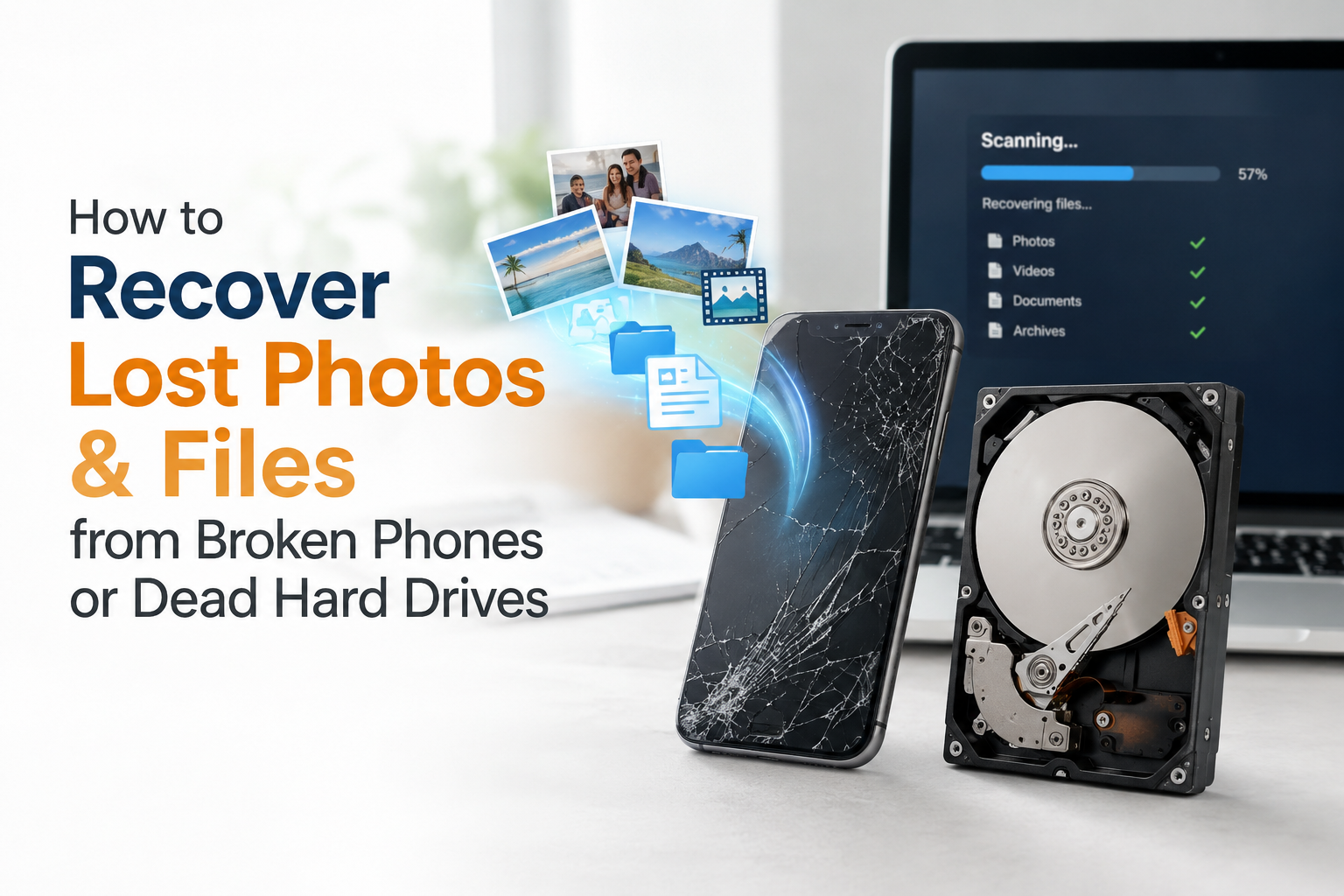
Your phone won’t turn on. Your laptop’s hard drive just makes a clicking sound instead of starting up. Or your external drive, the one with years of family photos on it, suddenly shows up as “not recognized.” That sick feeling in your stomach is real, but before you assume everything is gone, here’s what you actually need to know.
Most people lose access to their files, not their actual data. There’s a real difference, and understanding it can save you from a lot of unnecessary panic.
Why Your Data Usually Isn’t Actually “Gone”
When a device stops working, your files almost always still physically exist on the storage chip or drive inside. What’s broken is usually the way to access them. A cracked phone that won’t turn on, a laptop with a dead motherboard, or a hard drive that won’t spin up doesn’t erase your photos and documents; it just blocks the normal path to reach them. Data recovery specialists work around that broken path directly, going straight to the storage component itself.
The exceptions are cases involving physical destruction of the storage chip itself (severe fire damage, a crushed device) or data that’s been overwritten by continued use after the problem started, which is exactly why the very first step matters so much.
The First Thing to Do (Before Anything Else)
Stop using the device immediately. This is the single most important piece of advice in data recovery, and it’s the one people skip most often. Every time you use a device with a failing drive even just turning it on to “try again” you risk writing new data over the very files you’re trying to save. If your hard drive is clicking, your phone won’t boot, or your drive isn’t recognized, power it off and leave it off until it’s properly looked at.
Recovering Data from a Water-Damaged iPhone
Water and phones are a bad combination, but water damage doesn’t automatically mean lost photos. Here’s what actually matters:
- Turn it off immediately if it’s still on. Don’t try to charge it or turn it back on to “check” if it’s fine
- Don’t put it in rice. This is a persistent myth; rice doesn’t actually pull moisture out effectively and can introduce dust and starch into the ports
- Time matters a lot. Corrosion can start affecting internal components within about 24 hours of exposure, so the sooner it’s brought in for cleaning and assessment, the better the odds
- Even if the phone itself is unrecoverable, the storage chip inside often still holds your data. Technicians can sometimes access it directly, separate from getting the whole phone working again
Recovering Data from a Dead Laptop SSD
SSDs behave differently than the spinning hard drives of the past, and that changes the recovery approach:
- If your laptop won’t boot but you hear no unusual sounds, it’s often a software or connection issue, not the SSD itself failing; this is actually the easier scenario
- If the SSD itself has failed (not being detected at all by the system), specialized tools are needed to read the raw data directly off the memory chips, since a failed SSD controller can make the drive invisible to a normal computer even though the data itself may still be intact
- Never attempt to “fix” a clicking or grinding hard drive by tapping it, freezing it, or opening it yourself; old tricks from years ago don’t apply to modern drives and usually make things worse
External Hard Drive Data Recovery: Common Causes
External drives fail for a few repeat reasons: physical drops (especially while the drive is actively spinning), a damaged USB or connector port, corrupted file systems from being unplugged improperly, or the drive simply reaching the end of its mechanical lifespan after years of use. In most of these cases, the data on the platters inside is still there. The issue is almost always in how to safely extract it without causing further damage.
How to Retrieve Photos from a Broken iPad
If your iPad’s screen is cracked but it still powers on, your photos are usually easy to retrieve; a data transfer can be done directly, screen condition aside. If the iPad won’t power on at all, the process is closer to phone recovery: technicians access the storage directly through the internal components rather than relying on the screen or the normal user interface at all.
Is It Worth Paying for Data Recovery?
This depends entirely on what’s actually on the device. If it’s genuinely irreplaceable family photos, business documents, years of files with no backup, professional recovery is almost always worth it, since the alternative is often losing those files permanently. If the device mostly held things that are easily replaceable (downloaded music, apps, files also saved elsewhere), it may not be worth the cost. A free evaluation is the best way to find out what’s actually recoverable before deciding whether to move forward.
Can I Recover Data for Free?
Sometimes, yes, if the device still powers on and is simply readable through a normal connection, you can often copy files yourself using a cable and a computer, no special tools needed. Free recovery software also exists for cases of accidental deletion on a drive that’s still functioning normally. Where free options run out is anything involving physical damage, water exposure, or a drive that isn’t being detected at all; that’s where specialized tools and a proper lab environment become necessary.
How Much Does It Cost to Recover Data Off a Hard Drive?
Cost depends heavily on the type of failure. A logical issue (accidental deletion, corrupted file system, drive still spinning normally) is typically the most affordable to resolve. A drive with mechanical failure (clicking, not spinning, physical damage) requires more specialized diagnostic time and tools, which increases the cost. Most reputable data recovery services offer a free evaluation first, so you know the real cost before committing to anything. It’s worth avoiding any service that wants payment upfront before even assessing the drive.
How Much Does Geek Squad Charge to Recover a Hard Drive?
Best Buy’s Geek Squad offers data recovery services, though pricing and turnaround time can vary by case complexity and location, and more involved recoveries are often sent out to a specialized lab rather than handled in-house, which can extend the timeline. It’s worth comparing that against a local specialist who can look at the drive in person and give you a direct answer without the extra shipping step.
Getting Data Recovery Services in Windsor
At Profix Cell Phone Repair, we handle data recovery for phones, tablets, laptops, and external drives, including water-damaged iPhones, dead SSDs, and drives that won’t power on. We run a free evaluation first, explain honestly what’s recoverable, and only move forward with your approval.
Don’t Keep Trying — Bring It In As-Is
If your device won’t turn on or your drive is making unusual noises, resist the urge to keep restarting it or trying “one more thing.” Power it off, bring it in exactly as it is, and let us assess what’s actually recoverable before anything gets worse.
📍 Visit us at 7033 Wyandotte St E, Windsor, ON 📞 Call us now or simply walk in — no appointment needed
FAQs
Is it worth paying for data recovery?
If the files are genuinely irreplaceable, like family photos or important documents with no backup, yes professional recovery is usually worth it since the alternative is often permanent loss. A free evaluation can tell you exactly what’s recoverable before you decide.
Can I recover data for free?
Sometimes. If the device still powers on and is readable normally, you can often copy files yourself, and free software exists for simple accidental-deletion cases. Physical damage, water exposure, or drives that aren’t detected at all usually require specialized tools that go beyond free options.
How much does it cost to recover data off a hard drive?
It depends on the type of failure. Logical issues, such as accidental deletion, tend to be the most affordable, while mechanical failures (clicking, not spinning) require more specialized work and cost more. A free evaluation gives you an exact number for your specific situation.
How much does Geek Squad charge to recover a hard drive?
Pricing varies by case and location, and more complex recoveries are often sent to a specialized lab, which can increase both cost and turnaround time. It’s worth comparing against a local option that can assess your drive in person and give you a direct, faster answer.