

You plug it in before bed like always. You wake up expecting 100%, and it’s sitting at 12%, or worse, it didn’t charge at all overnight. You jiggle the cable, try a different outlet, maybe blow into the port like it’s a Nintendo cartridge from 2004. Sometimes that buys you a few minutes. Sometimes nothing works at all. Before you assume the worst, here’s what’s actually going on, and why the fix is usually a lot simpler (and cheaper) than people think.
Why Your Cellphone Isn’t Charging: The Real Culprits
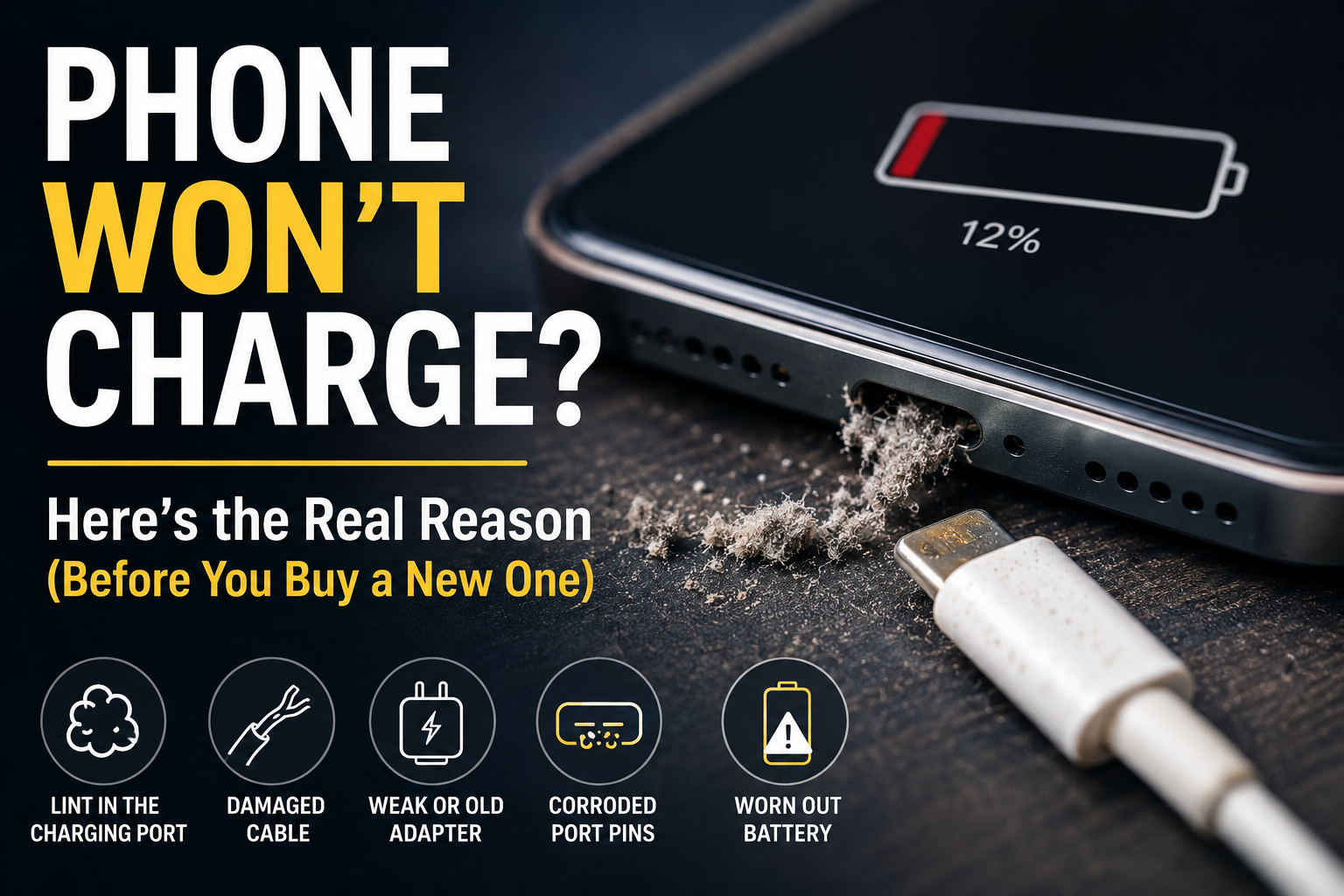
1. Lint and debris packed into the charging port: This is, by far, the most common reason a phone won’t charge, and the easiest to miss. Every time your phone rides around in a pocket or bag, tiny bits of lint, dust, and pocket debris work their way into the charging port. Over months, it builds up enough to physically block the connector pins from making contact with your cable. Your phone genuinely can’t “feel” that it’s plugged in.
2. A worn-out or damaged cable: Cables take a beating, bent at the connector, chewed by a curious pet, or just worn down from being plugged and unplugged hundreds of times. A cable can look completely fine on the outside while the wiring inside is frayed or broken, which causes exactly the kind of on-and-off charging that makes you think it’s the phone’s fault.
3. A weak or dying wall adapter: Sometimes it’s not the phone or the cable at all. It’s the brick. Off-brand or aging adapters can lose the ability to deliver enough power, especially fast-charging bricks that quietly stop supporting fast charge over time.
4. Bent or corroded pins inside the port: If you’ve ever dropped your phone or gotten it wet, the metal contacts inside the charging port can bend slightly or start to corrode. Even a tiny amount of corrosion is enough to break the connection completely.
5. A battery that’s simply worn out: Every cellphone battery is built to handle a certain number of charge cycles before it starts holding less charge and behaving unpredictably, charging slowly, stopping randomly, or draining fast right after a full charge. If your phone is 2+ years old and this sounds familiar, the battery is often the problem, not the cable or port.
Why Won’t My iPhone Charge — and Why Is It Hot?
iPhones tend to show a specific pattern when the battery starts wearing down: the phone charges fine but drains unusually fast, randomly shuts off at 20-30% even though the screen says there’s charge left, or feels warm to the touch during normal use, not just while charging.
That heat is actually a useful warning sign. A battery in good condition shouldn’t make your phone noticeably warm just sitting in your hand. When it does, the battery is often working harder than it should to maintain a stable charge, which is a strong signal it needs replacing before it degrades further or swells.
How to Tell What’s Actually Wrong (Before You Panic)
You don’t need to guess; a few quick checks narrow it down fast:
- Try a different cable and adapter. If it suddenly charges fine, the problem was never your phone.
- Look inside the port with a flashlight. Lint often looks like a small grey or dark clump right at the entrance — don’t dig at it with metal objects; that can damage the pins.
- Gently wiggle the cable while it’s plugged in. If charging cuts in and out as you move it, that points to a loose or damaged port connection rather than the battery.
- Check your battery health setting (Settings > Battery > Battery Health on iPhone, or Battery settings on most Androids). If it’s showing significantly reduced capacity, that’s your answer.
Should You Fix It or Just Replace the Phone?
Almost always, fix it. A charging port cleaning takes minutes and costs very little. A cellphone battery replacement is one of the most affordable repairs, and it can make an “old, unreliable” phone feel brand new again, often for a fraction of what a new device costs. Full phone replacement really only makes sense if the phone is genuinely outdated for your needs, not just because the battery is tired.
We Fix Charging Issues Every Day — Windsor
At Profix Cell Phone Repair, charging complaints are one of the most common reasons people walk through our door, and most of the time, it’s a quick, affordable fix rather than a sign you need a new phone. We’ll check the port, test the battery, and give you an honest answer on the spot, whether that’s a $10 port cleaning or a same-day battery replacement.
No appointment needed, just walk in.
📍 7033 Wyandotte St E, Windsor, ON 📞 Call us or stop by today for a free diagnosis
FAQs
What are the signs that your phone battery is going bad?
Fast draining even with light use, the phone shutting off suddenly at 20-30% remaining, taking much longer to charge than it used to, and the phone feeling warm during everyday use are all classic signs the battery is wearing out.
How many years should a cell phone battery last?
Most cellphone batteries perform well for about 2 to 3 years of regular daily use before you start noticing reduced capacity and shorter battery life. Heavy daily use or frequent full charge-to-empty cycles can shorten that timeline.
Is it worth replacing the battery in a phone?
In most cases, yes. A battery replacement usually costs a small fraction of buying a new phone and instantly fixes the draining, shutting-off, and slow-charging issues that make an otherwise good phone feel unreliable.
How do you know if your phone has a charging problem?
If charging is inconsistent (works sometimes, not others), the phone charges very slowly, or it stops charging when you move the cable slightly, that usually points to the port or cable. If charging is consistently slow or the phone drains fast right after unplugging, that leans more toward the battery itself.