
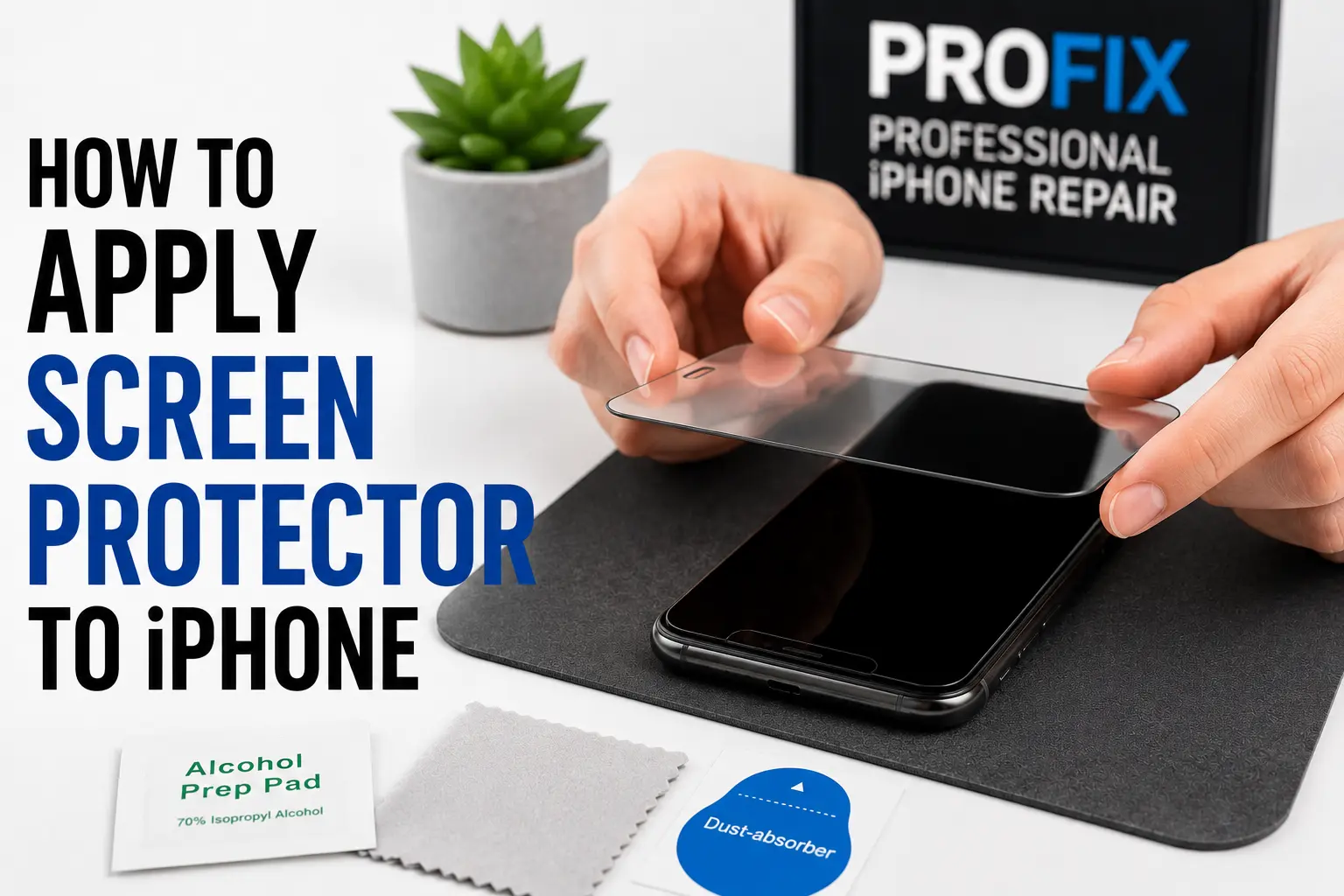
A clean, bubble-free, step-by-step guide so your new protector goes on right the first time.
So, how do you apply a screen protector to an iPhone? In short, clean the screen thoroughly, remove every speck of dust, align the protector carefully, lower it slowly onto the display, then press out any air bubbles. With a little patience, you can achieve a clean, bubble-free finish at home.
A screen protector is one of the easiest and most affordable ways to guard your iPhone against scratches, cracks, and daily wear. Even so, many people struggle with dust particles, trapped bubbles, or poor alignment. Fortunately, the right method makes all the difference.
How to Apply a Screen Protector to iPhone
To apply a screen protector correctly, follow these steps in order:
- Clean the iPhone screen thoroughly
- Remove all dust and fingerprints
- Align the screen protector carefully
- Lower the protector slowly onto the screen
- Press the centre of the protector
- Smooth out any remaining air bubbles
Taking your time during installation can make a big difference to the final result. Indeed, many customers who want a flawless finish choose professional iPhone screen protector installation services in Windsor to avoid common application mistakes.
What You’ll Need Before Installation
Before applying your screen protector, gather the following items:
- Tempered glass screen protector
- Microfibre cleaning cloth
- Alcohol wipe
- Dust removal sticker
- A flat, clean workspace
- Good lighting
Most quality protectors include these accessories in the package. Moreover, working in a clean environment helps reduce the chance of dust becoming trapped under the glass.
Step 1: Clean Your iPhone Screen
Proper cleaning is the most important part of the whole process. Start by:
- Turning off your iPhone
- Wiping the screen with the alcohol wipe
- Removing fingerprints and smudges
- Drying the display with a microfibre cloth
Even small particles can create visible bubbles once the protector goes on. Therefore, take extra time here to make sure the display is completely clean.
Step 2: Remove Dust Particles
After cleaning, inspect the screen under bright lighting. Then use a dust removal sticker to lift away any remaining particles. Dust is one of the most common reasons for bubbles and poor adhesion.
If you spot a speck after installation, you may need to carefully lift the protector and remove it before reapplying. In fact, many users searching for how to remove bubbles from an iPhone screen protector discover that trapped dust is the real culprit.
Step 3: Align the Screen Protector
Before peeling the protective film, place the protector over the display to check alignment. Pay close attention to:
- Front camera cutouts
- Speaker openings
- Screen edges
- Face ID sensors
Good alignment ensures full coverage and a professional-looking result. Because repositioning gets harder after the glass touches down, take your time at this stage.
Step 4: Apply the Screen Protector
Once you are happy with the alignment, peel off the protective backing and:
- Carefully position the protector above the screen
- Lower it slowly from one side to the other
- Avoid touching the adhesive surface
As the protector meets the display, it should begin to adhere on its own. Generally, most tempered glass protectors self-adhere with only light pressure.
Step 5: Remove Air Bubbles
Small air bubbles may appear straight after installation. To clear them:
- Press gently from the centre outward
- Smooth the surface with a microfibre cloth
- Push each bubble toward the nearest edge
Most minor bubbles disappear within a few hours. However, if a bubble traps dust, lift the protector slightly and remove the particle first.
Common Mistakes to Avoid
Even a high-quality protector can fail if it is installed poorly. So, steer clear of these common mistakes:
- Applying the protector in a dusty room
- Touching the adhesive side
- Rushing the alignment process
- Using excessive force
- Reusing a damaged protector
Careful installation helps maximise protection and keep touchscreen responsiveness sharp.
Should You Use a Tempered Glass Screen Protector?
Tempered glass protectors are generally the best option for iPhone users. The main benefits include:
- Better impact protection
- Strong scratch resistance
- Smooth touch sensitivity
- Clear display quality
- Easy installation
Many owners prefer tempered glass because it closely mimics the feel of the original screen. That said, if your display is already cracked, you may first need iPhone screen repair services in Windsor before fitting a new protector.
When to Replace Your Screen Protector
A screen protector should be replaced when you notice:
- Cracks in the glass
- Deep scratches
- Peeling edges
- Reduced touch sensitivity
- Visible lifting around the corners
Swapping out a damaged protector keeps your device properly shielded. As a rule, people looking for the best tempered glass screen protectors for iPhone replace theirs every 6 to 12 months, depending on usage.
Why Professional Installation Can Be Worth It
Although fitting a protector is DIY-friendly, professional installation has clear advantages. These include:
- Perfect alignment
- Bubble-free application
- Dust-free installation
- Reduced risk of mistakes
- Fast turnaround
Professional service is especially handy when you want a flawless finish. For that reason, many customers choose same day iPhone accessory installation in Windsor to get it right the first time.
Why Choose ProFix for iPhone Accessories and Repairs?
At ProFix, we help customers protect their devices with quality accessories and professional installation. Whether you need a new screen protector, screen repair, battery replacement, or a diagnostic, our technicians are ready to help.
Above all, we focus on quality workmanship, reliable products, and friendly service to keep your iPhone performing at its best.
Explore All Our Repair Services in Windsor
Beyond screen protectors, our team handles a full range of device repairs. Whatever your issue, ProFix has you covered:
Want a flawless, bubble-free fit? Let our Windsor team install your screen protector the right way, the first time.
Book a screen protector fitting in Windsor Chat on WhatsAppFrequently Asked Questions
How do I apply a screen protector without bubbles?
Clean the screen with an alcohol wipe, remove every dust speck with a sticker, align carefully, then lower the protector slowly from one side. Finally, press gently from the centre outward to push bubbles to the edges.
Why do bubbles keep appearing under my screen protector?
Trapped dust is usually the cause. A single speck lifts the glass and creates a bubble that will not smooth out. Lift the protector slightly, remove the particle with a sticker, then reapply.
How long do screen protector bubbles take to go away?
Most small air bubbles settle and disappear within a few hours as the adhesive bonds. If a bubble contains dust, though, it will not clear on its own and the particle must be removed.
Is tempered glass better than a plastic screen protector?
Yes, for most users. Tempered glass offers stronger impact protection, better scratch resistance, and a smoother feel that closely mimics the original iPhone screen.
How often should I replace my iPhone screen protector?
Most people replace theirs every 6 to 12 months, or sooner if it cracks, scratches deeply, peels at the edges, or loses touch sensitivity.
Final Thoughts
Learning how to apply a screen protector to an iPhone is easier than many people expect. By cleaning the screen carefully, clearing away dust, aligning the protector properly, and smoothing out air bubbles, you can achieve professional-looking results at home.
Ultimately, a quality protector helps prevent scratches and lowers the risk of screen damage, making it one of the best investments for your device. For extra protection and repair needs, ProFix also offers complete repair and protection solutions in Windsor to keep your iPhone at its best.